
Video Job Interviews in English: What Changes on Camera
Video interviews add latency, framing and a pause that does not exist in person. A practical guide to the most common interview questions in English on camera, with a setup checklist and a 20-minute recorded rehearsal.


On this page
A first-round job interview on video asks the same questions as one in a meeting room, and then puts a machine between you and the person asking them. The questions do not change. The timing does, and so does the way your face is read.
This guide is for the 30-minute first round where you control the camera, the mute button and the notes on the desk. It assumes your answers are already prepared and covers what only appears on a call: latency, framing, and small talk that has nowhere to go. The examples are fictional practice material, not a script.
What changes on camera, and what does not
The content is the same: evidence you can do the work, a structure the interviewer can follow, and a reason you want this role rather than any role. The camera does not waste that preparation.
Four things are different. Your face arrives compressed, so small expressions carry further and a neutral look reads as flat. Sound arrives late, so natural interruptions land badly. Your notes are invisible, but the direction of your eyes is not. And the exchange is shorter, because nobody walks you to the lift afterwards.
The delay is measurable. A 2021 University of Michigan study in the Journal of Experimental Psychology: General found that everyday conversation moves between speakers in about 200 milliseconds, and that the variable lag of a video call, even at roughly 30 to 70 milliseconds, makes people start their turn later. You are not imagining the awkwardness; the rhythm is being disturbed.
Why the most common interview questions in English feel different on camera
The most common interview questions in English are the ones you have rehearsed: tell me about yourself, why this role, a strength, a weakness, a time you handled a problem. On video they arrive with three new failure modes.
The first is silence. A pause that reads as thinking in a room reads as a frozen connection on a call. The second is speed: unable to see a reaction, you fill the gap by talking faster, and fast speech is harder to follow through compressed audio. The third is eye movement: looking up to recall a detail is normal, but four seconds of it on camera looks like reading a second screen.
None of this needs new answers. It needs two habits: a short holding phrase before you start, and a deliberate stop at the end instead of a fade-out.
A setup checklist that removes most surprises
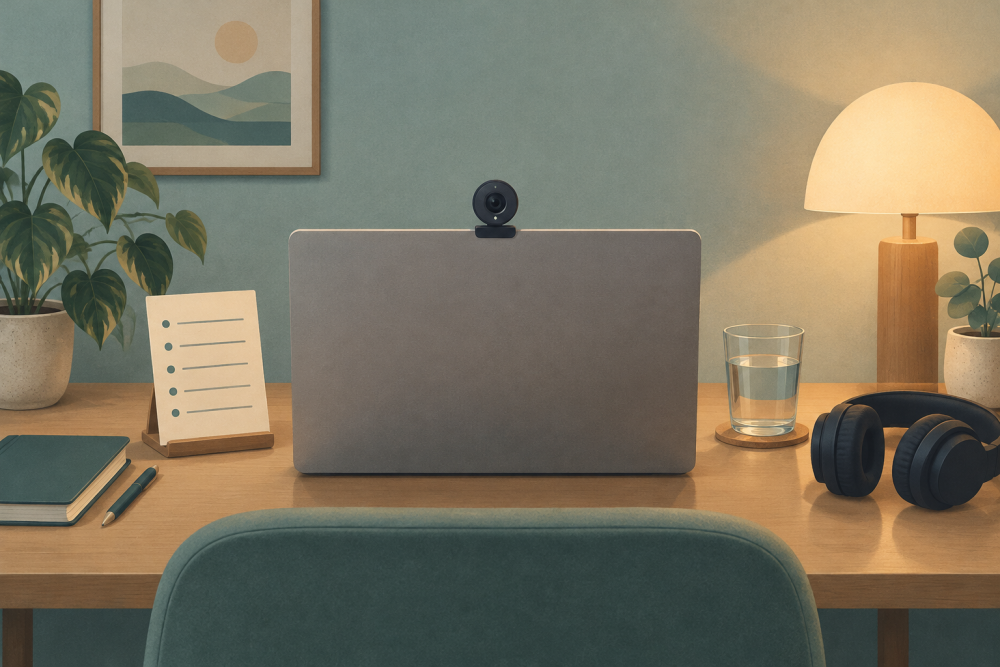
Public careers guidance is consistent about the physical setup, and it takes fifteen minutes to get right. The UK National Careers Service suggests testing your microphone, learning where the mute and camera controls are, logging in early, using a laptop rather than a phone, and putting the camera at eye level.
| Element | What ready looks like |
|---|---|
| Camera height | Lens at eye level, so you are not looking down at the interviewer |
| Light | A window or lamp in front of you, never behind you |
| Notes | One page of keywords, placed beside the lens rather than under it |
| Audio | Headphones on, microphone tested in the same room you will use |
| Backup | A second device with a hotspot, already signed in to the meeting |
| Background | A plain wall, and a door you have told people to leave closed |
Two items earn their place. The notes page should hold keywords, not sentences: read a full sentence and your eyes leave the lens long enough to be noticed. The backup device should be signed in before the call, because account verification is the slowest possible rescue.
The half-second rule: answering with latency
The half-second rule is simple: when the question ends, wait about half a second before you speak. It feels long to you and almost invisible to the person watching. Start the instant you hear the last word and you will sometimes start before they have finished, and the overlap makes both of you stop.
In practice the rule has four parts, each with a phrase you can practise until it is automatic.
- A holding phrase that buys the half second:
That's a good question. Let me think for a second. - A signpost that tells the interviewer where the answer is going:
There are two parts to this, so let me start with the shorter one. - A measured body, one idea per sentence, with a full stop where you would normally rush.
- A clean ending:
That's how I handled it, and that's what I would do here.
The holding phrase is not filler. It says the pause is thinking rather than a dropped connection, and it gives you time to choose the structure before the first sentence commits you to it.
Opening and closing small talk that fits a video call
Video small talk is shorter than room small talk, and it fails when you treat it as the same thing. Nobody wants a story about your commute. Three lines are enough at the start: thank them for the time, confirm that you can see and hear them, and ask one neutral thing about the call itself, such as whether they would like your camera on for the whole session.
At the end, ask about the next step instead of filling the silence with thanks. What are the next steps from here, and when should I expect to hear? closes the interview cleanly and gets you the information you need. Thank them once, then stop.
When you cannot hear or follow the question
Audio problems are normal on video and are not scored against you, provided you handle them out loud. The National Careers Service advises telling the interviewer about a technical problem and, if needed, stopping to restart rather than struggling through. Silence plus a frozen smile is the only bad response.
- For a dropped word:
Sorry, your audio cut out for a second. Could you repeat the last part? - For a question you half understood:
I want to make sure I answer the right question. Are you asking about the reporting line, or about the day-to-day work? - For a total failure:
I think my connection just dropped. May I rejoin in about thirty seconds?
Asking for a repeat costs two seconds. Guessing costs the answer and often the next question, because the interviewer follows up on what you said rather than what you meant.
A 20-minute recorded rehearsal
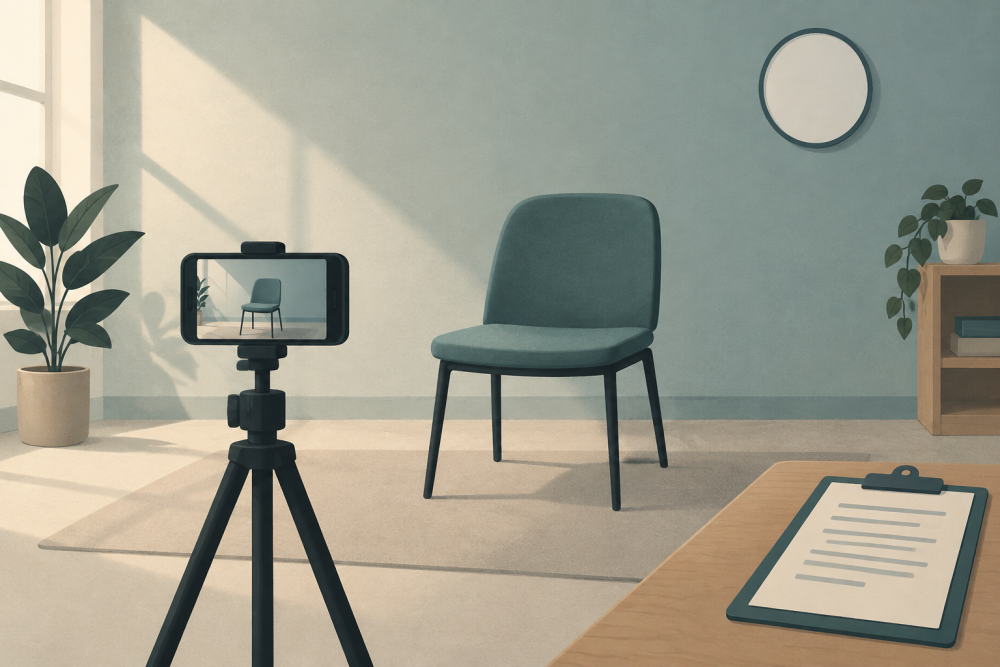
Twenty minutes of recording is worth an hour of silent reading, because it exposes what you cannot feel from the inside: how long your pauses last and how fast you actually speak. The National Careers Service suggests the same for video interviews, plus a review step: write down two or three things that went well and two or three to improve.
- Choose three answers from the most common interview questions in English and set a two-minute limit for each.
- Record all three on the device you will use for the call, in the room you will use, with the same light.
- Watch the recording once with the sound off. Check framing, eye line and whether your notes pulled your eyes away.
- Watch it again with sound. Count the silences longer than two seconds, and note any sentence you had to restart.
- Rate each answer one to five on four lines: did it answer the question, was there one concrete example, was the ending clean, did you look at the lens at least half the time.
The rating sheet matters more than the recording. A three on "answered the question" usually means you answered an adjacent question well, which is the commonest failure in a second-language interview and the easiest to fix.
If you rehearse with an AI speaking partner, treat the feedback as a suggestion to inspect, not a verdict. A tool that scores fluency, grammar and vocabulary against exam-style criteria can point at a pattern, such as tense slips when you describe a past project, but it cannot know what the interviewer wanted to hear.
Frequently asked questions
Can I read notes in a video interview?
In most live video interviews, yes, and public guidance often suggests it: the National Careers Service recommends making notes and putting them somewhere visible. Two conditions matter. Follow any instruction the recruiter sent, because some employers ask for a clear desk and some recorded formats forbid notes entirely. And keep the page to keywords beside the lens, since reading full sentences is visible on camera even when the page is not.
What should I do if I cannot hear the interviewer?
Say so immediately and specifically, rather than nodding through a question you did not catch. Name what failed, ask for the part you missed, and offer a workaround such as the chat box. If the problem is on your side, ask to rejoin and use the thirty seconds to switch to headphones or your backup device. Interviewers expect technical trouble and remember how calmly it was handled, not that it happened.
The same habits carry into everyday spoken English: short sentences, a clear ending, one idea at a time.